
Transparent PNG output
AI Background Remover keeps the foreground subject and removes the original background without adding a replacement scene.
AI background remover
Remove a photo background and download the isolated subject as a transparent PNG.
Credits for this run: 5
Track AI Background Remover tasks and inspect finished results here.
Prompts are screened before eligible AI image requests are sent to a model. Do not submit NSFW, sexually suggestive, harmful, deceptive, or infringing content. Read the Acceptable Use Policy
AI Background Remover isolates the visible foreground from one photo with a visible foreground subject and returns a transparent PNG ready for a new layout.
Review the illustrative AI Background Remover example and its input and output checks, then inspect your generated result in the workbench above.
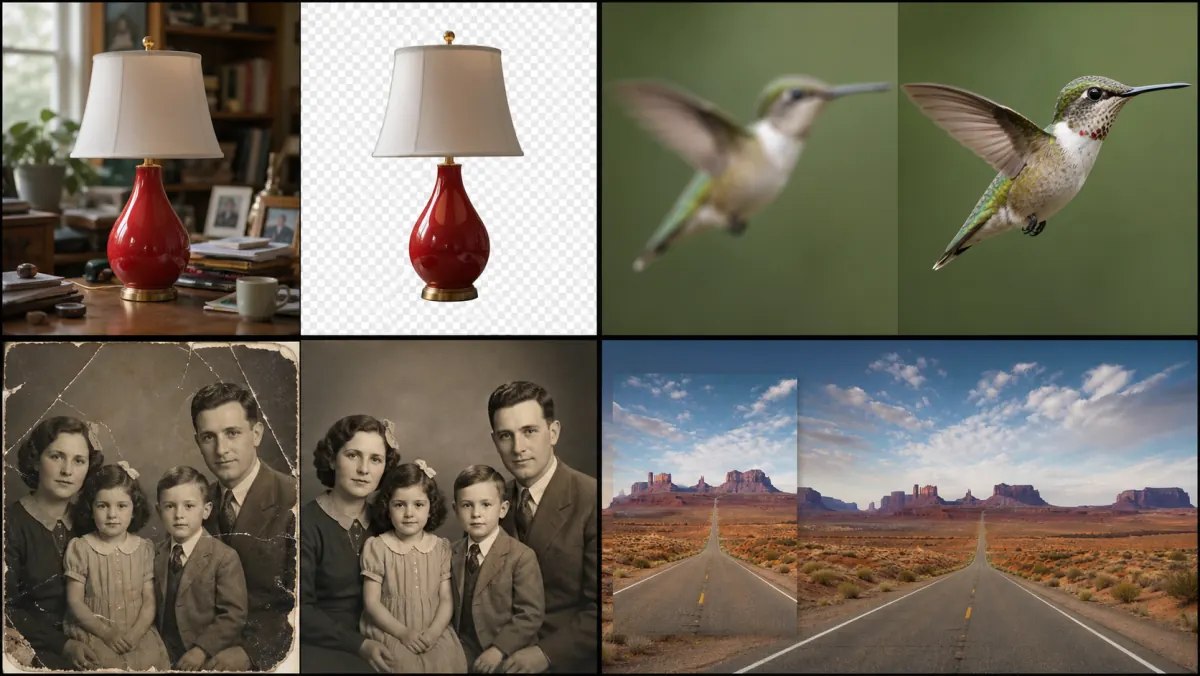
Illustrative background-removal comparison—not your generated result. Inspect subject edges and transparent areas in your own PNG.
Transparent PNG output
AI Background Remover keeps the foreground subject and removes the original background without adding a replacement scene.
Useful for varied edges
Give AI Background Remover a clear source image when product contours, portrait hair, or pet fur need careful edges.
Know the cutout boundary
Fine hair, fur, glass, motion blur, low contrast, and soft shadows can produce rough or missing edges. Review the transparent PNG at full size before use.
AI Background Remover works best with one PNG, JPEG, or WebP that has a clearly visible foreground subject.
Start AI Background Remover and keep the original tab open while the transparent result is prepared.
Check the AI Background Remover cutout around hair, fur, and product edges at full size, then download the transparent PNG.
AI Background Remover keeps the foreground subject and removes the original background without adding a replacement scene.
Give AI Background Remover a clear source image when product contours, portrait hair, or pet fur need careful edges.
Fine hair, fur, glass, motion blur, low contrast, and soft shadows can produce rough or missing edges. Review the transparent PNG at full size before use.
Uploads accept PNG, JPG, and WebP files. Completed results stay in your private task history for full-size review, reuse, and download. The action button shows the credit cost before each run.
AI Background Remover prepares a transparent product subject for a marketplace layout, catalog, or new background.
Use AI Background Remover to isolate a person or pet for profile graphics, stickers, and social compositions.
Place the transparent PNG from AI Background Remover into posters, slides, thumbnails, or product-photo scenes.