AI Image Workspace — Create, Edit, Reuse, and Deliver
Begin with a brief or an existing image, keep every useful input and decision together, then continue refining the result until it is ready to export.
AI Image Generator workbench
Credits for this run: 2
Earn free credits through email verification, daily check-ins, and referrals · Use them for standard 1K image tasks · No credit card · No subscription · Failed tasks refunded
Model directory
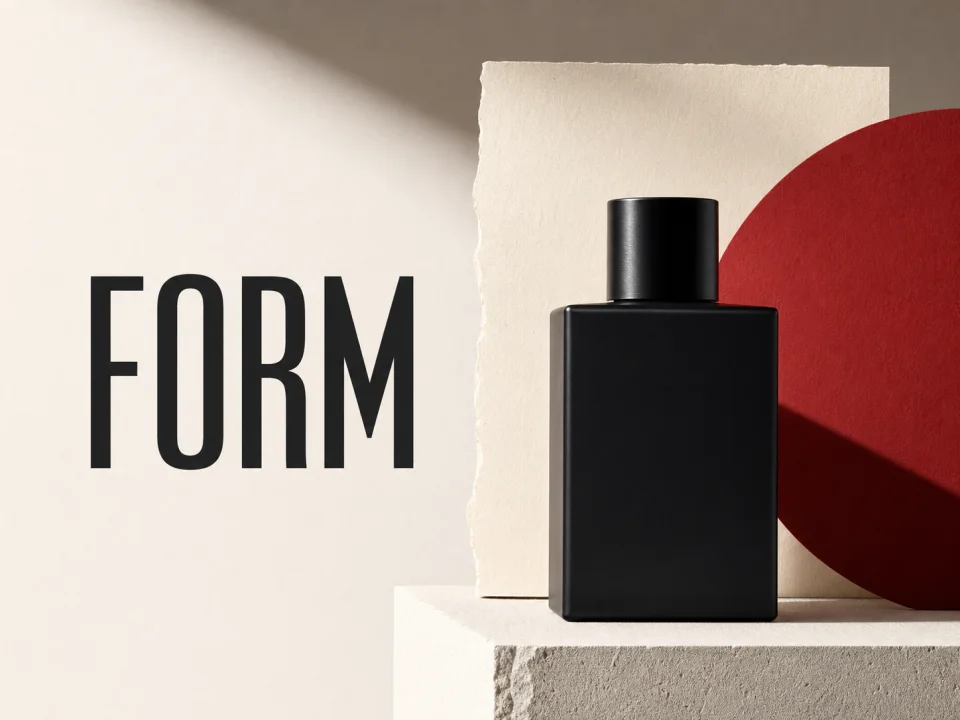
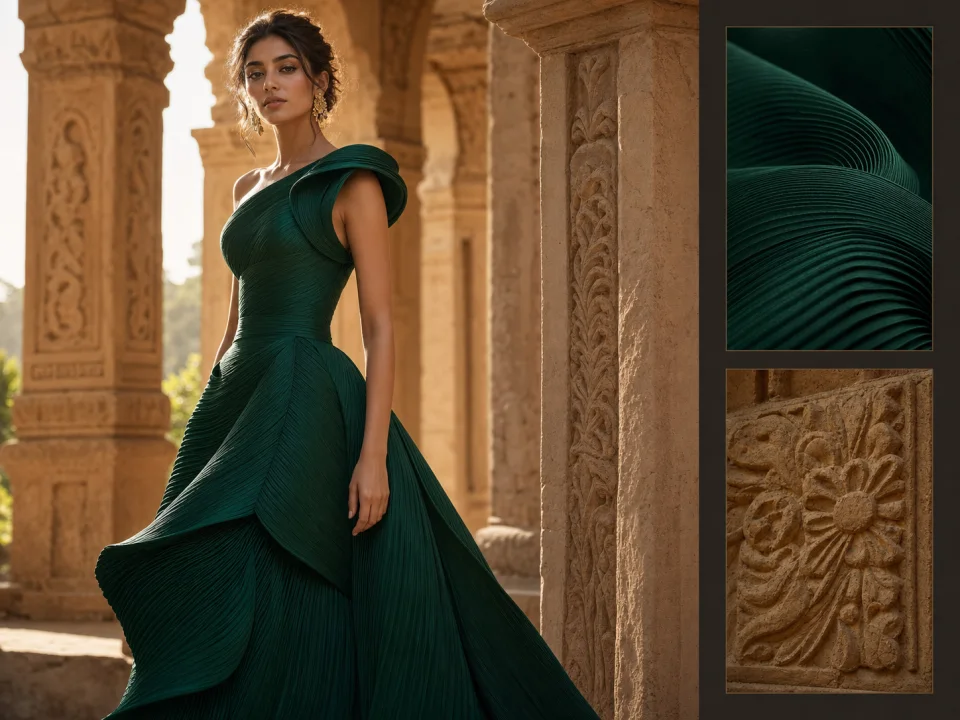
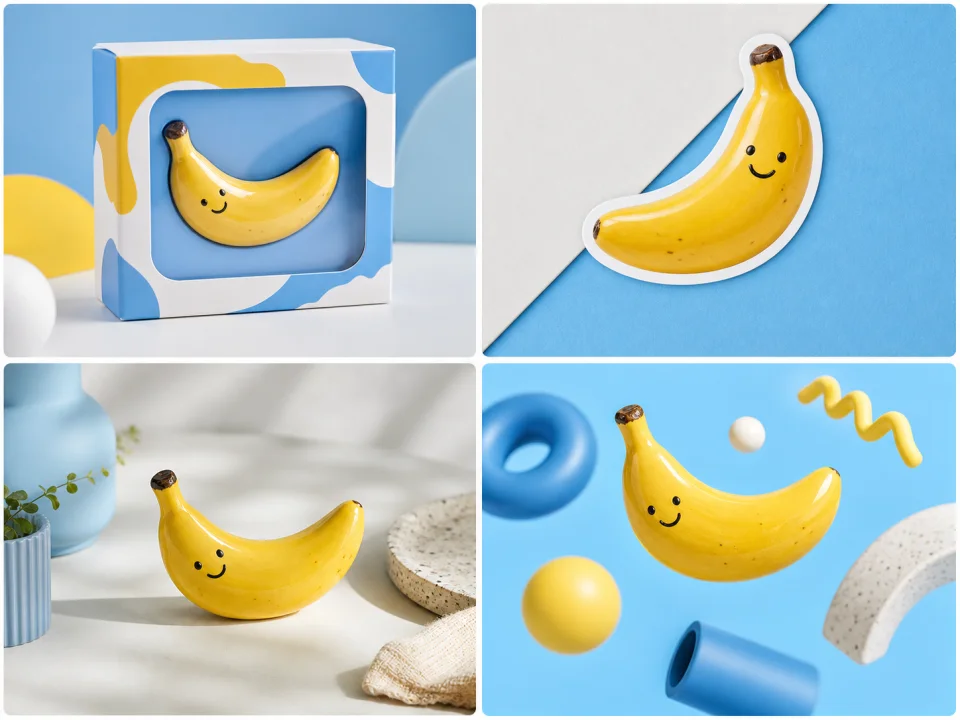
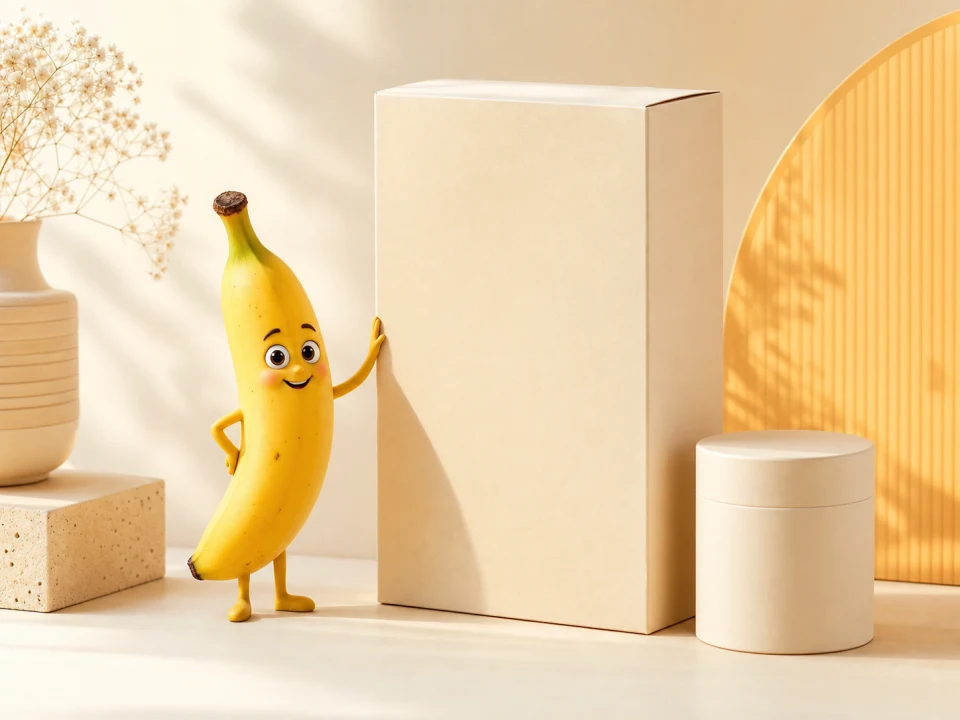
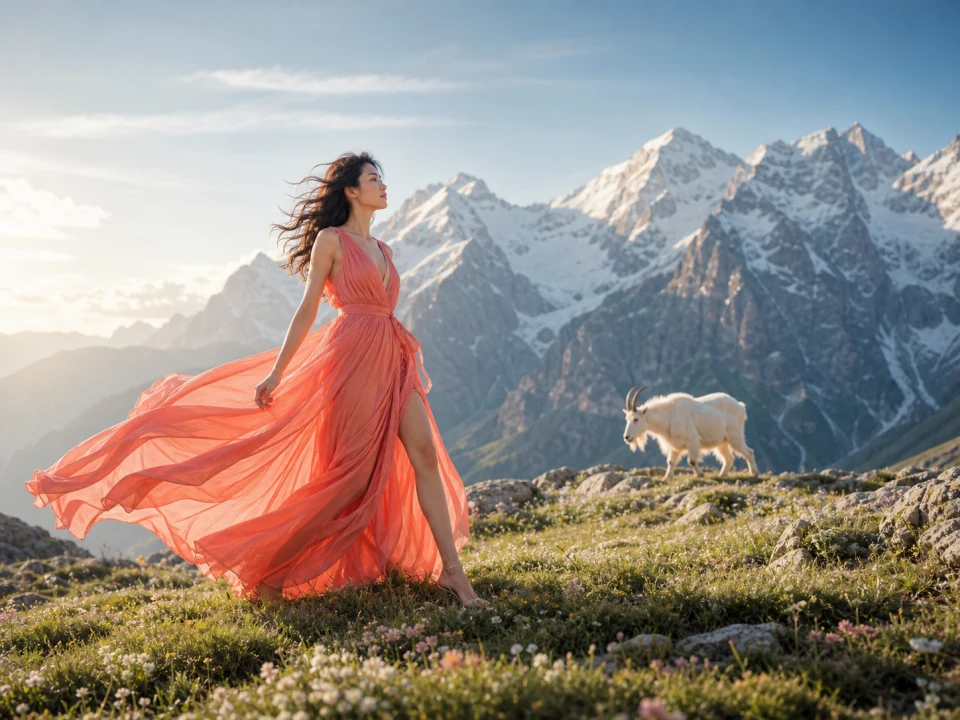
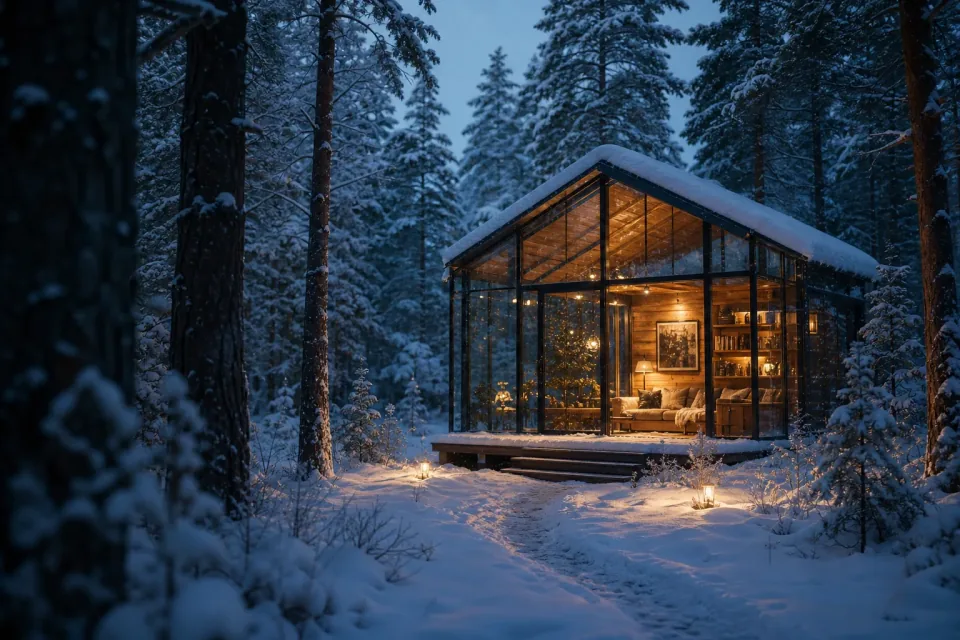
Top AI image models, one workspace
Choose a model, then generate, edit, track, and download from one workspace.
Return to the instruction and settings behind a useful result instead of trying to recreate them from memory.
02
Keep sources and references
Uploaded images, reference images, and generated results remain attached to the work that used them.
03
Continue with the current result
Send the current image into a supported editing, background, enhancement, or style task without downloading and uploading it again.
04
Mark one version as final
Choose the result you want to keep, mark it as final, then name and export it as PNG, JPG, or WebP.
04 / Edit lab
Three image workflows. One direct request to begin.
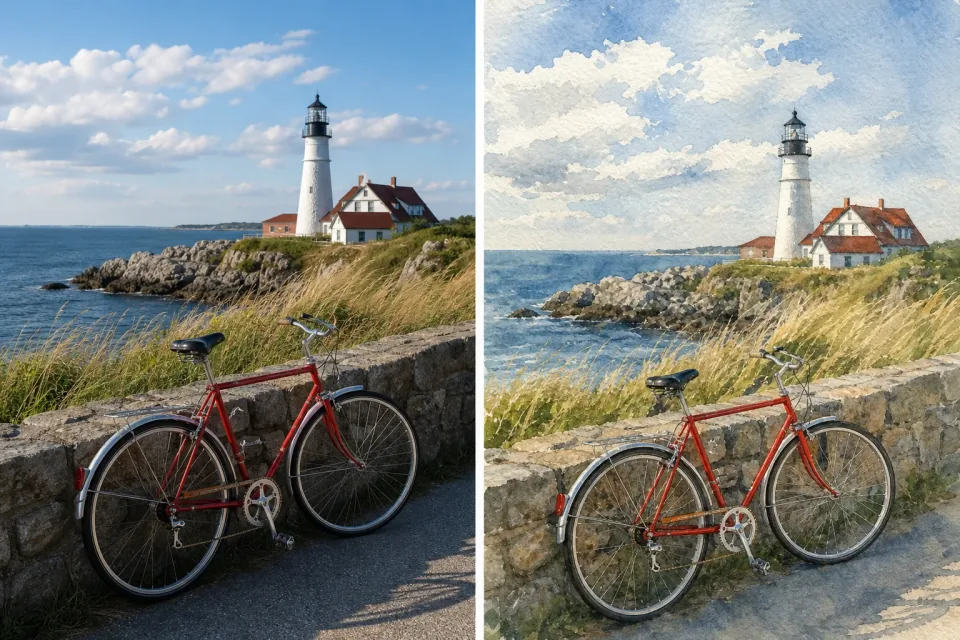
There is no complex editor to learn and no need to move files between disconnected tools. Choose an image, say what should change, and ImgFast keeps the assets, prompt, settings, and results ready as the work moves toward final delivery. Drag the divider to inspect what changed and what stayed intact.
01 / Before → After
Move a product into the right setting—without another shoot
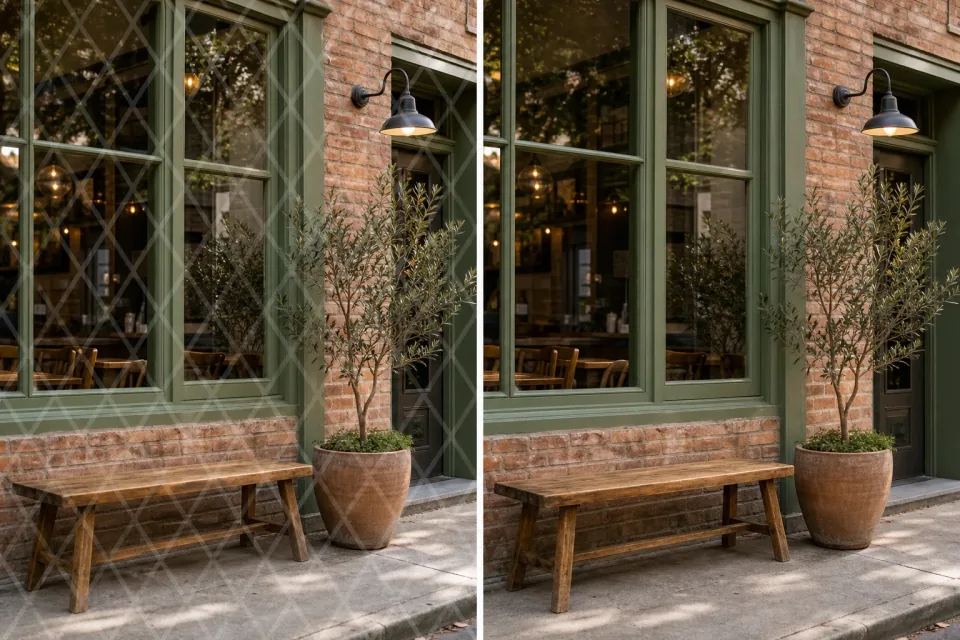
For a product launch, catalog, or social post, start with the clean studio photo you already have. Upload it or choose it from recent work, then describe the room and mood in one sentence.
ImgFast keeps the chair shape, texture, base, and camera angle consistent while the room, lighting, and shadow change together. Continue editing, or mark the result as final and export it.
Useful for catalogs, campaign images, ecommerce pages, and social posts.
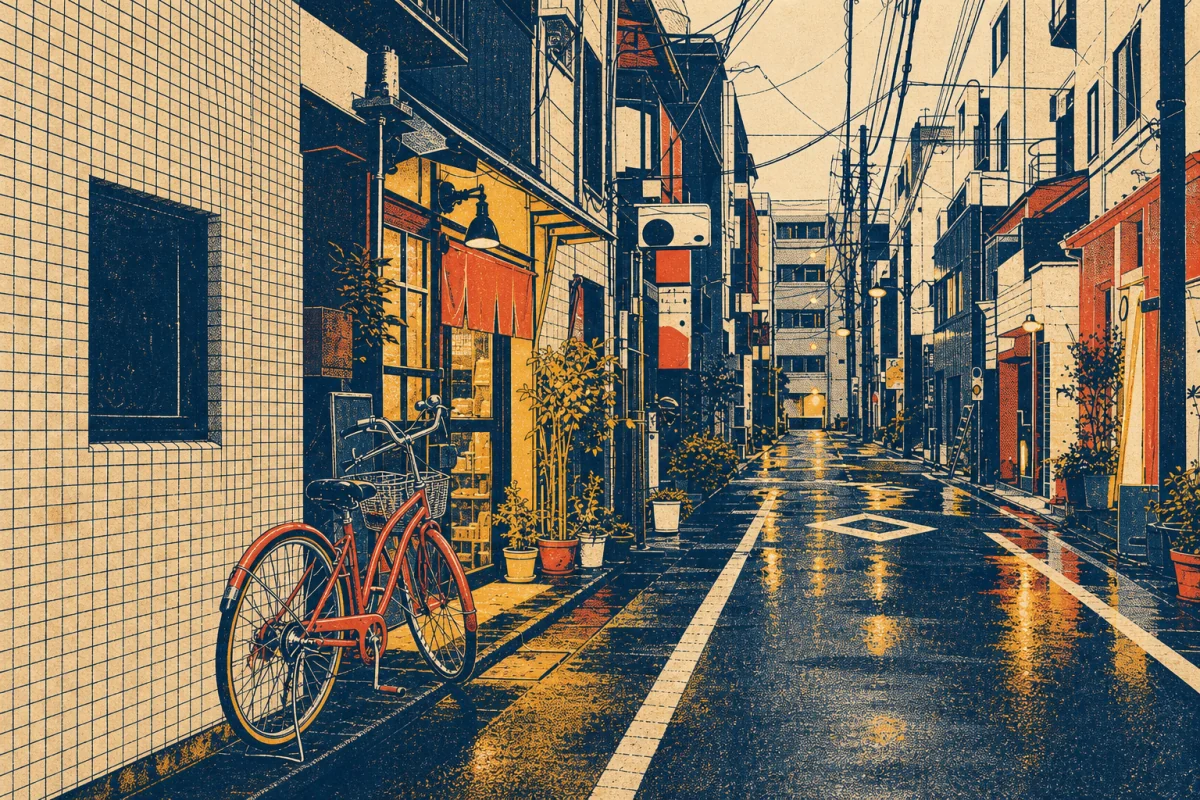
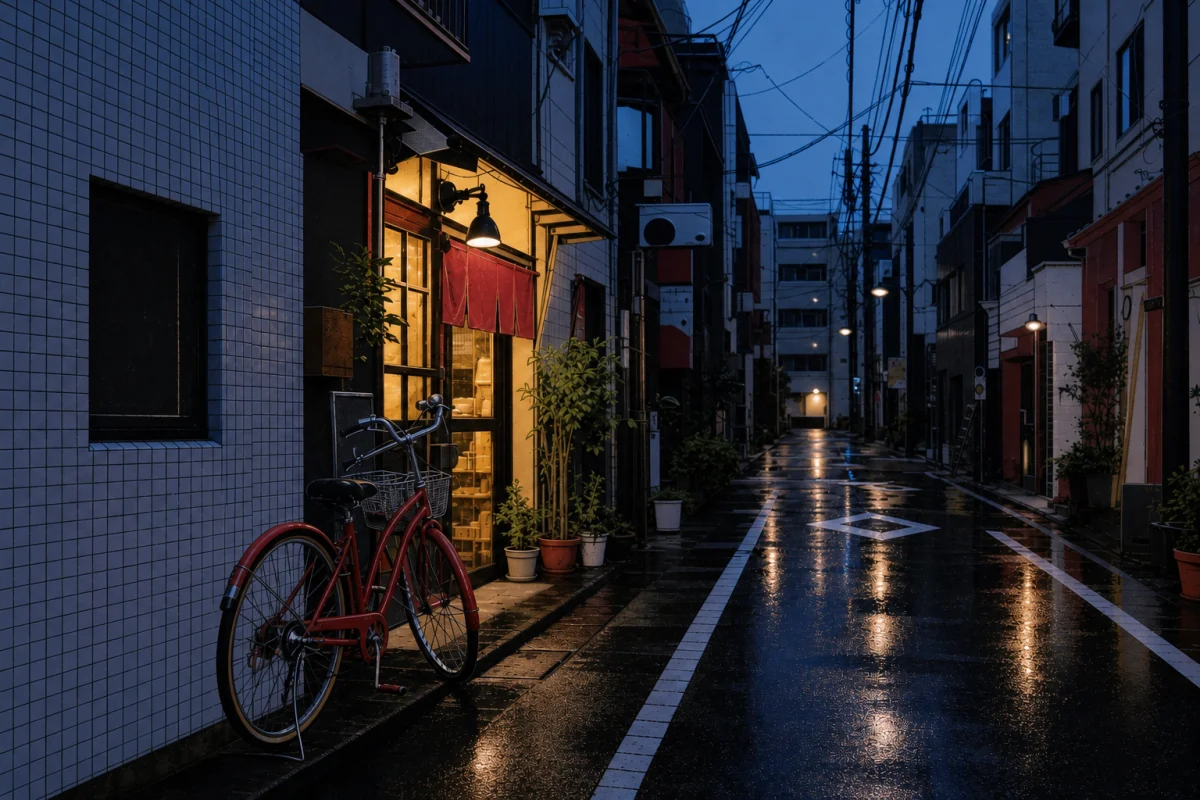
Turn one source image into a campaign poster, social cover, or new brand direction without rebuilding the composition. Choose the current photograph and name the style you want.
The street perspective, red bicycle, reflections, and depth remain recognizable as the photo becomes a four-color risograph. The source, request, and result stay together for the next edit.
Useful for posters, covers, editorial art, and brand exploration.
Edit request
“Convert this rainy Tokyo street into a four-color risograph print.”
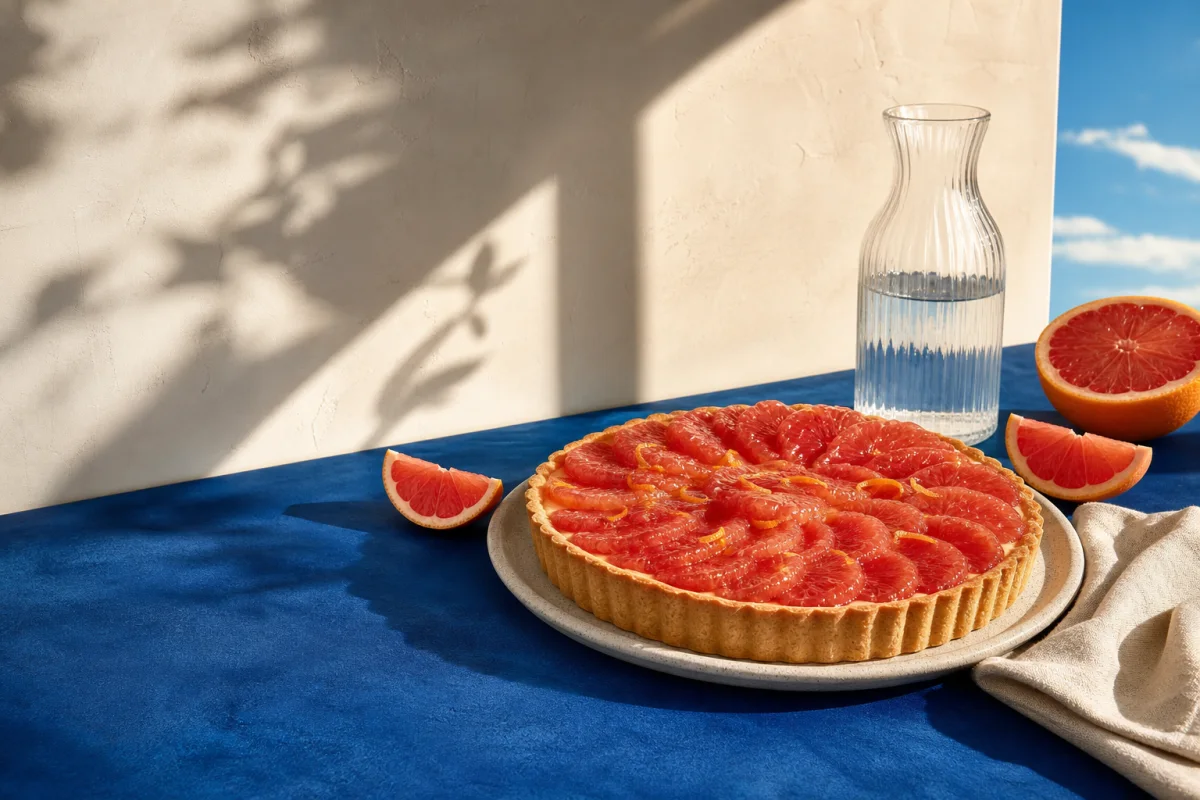
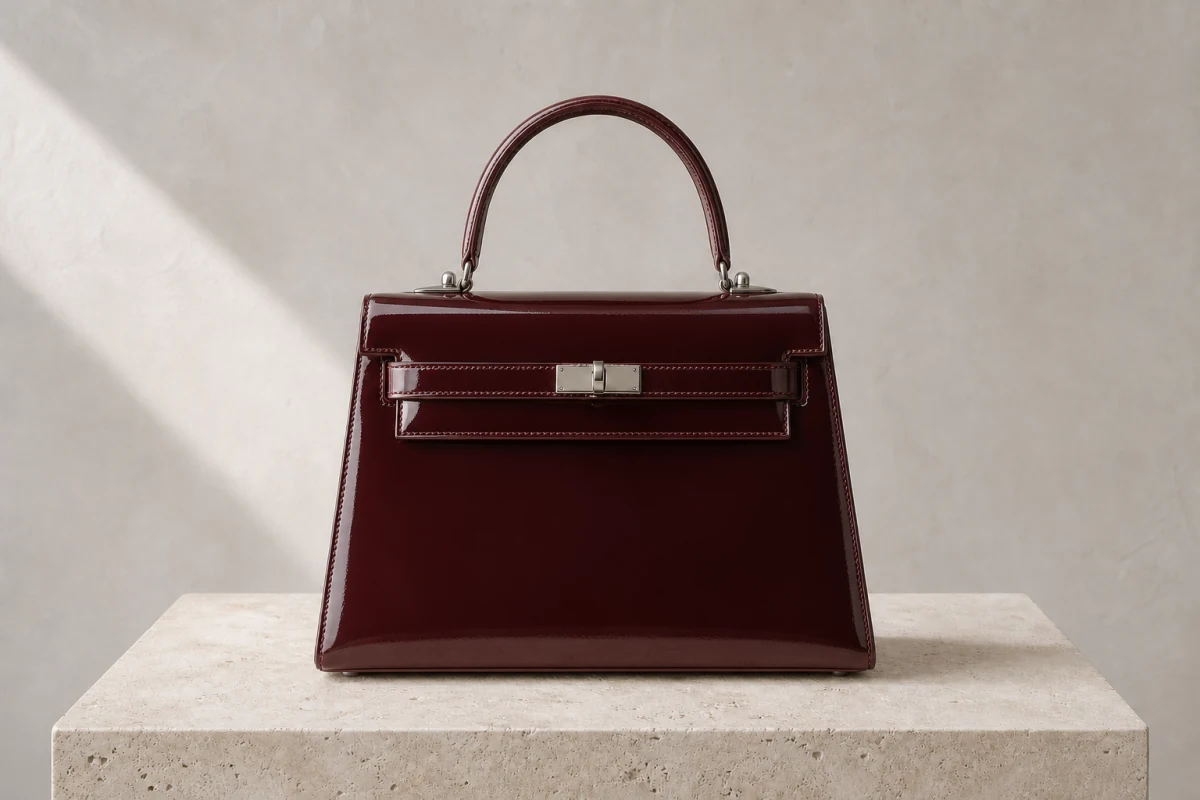
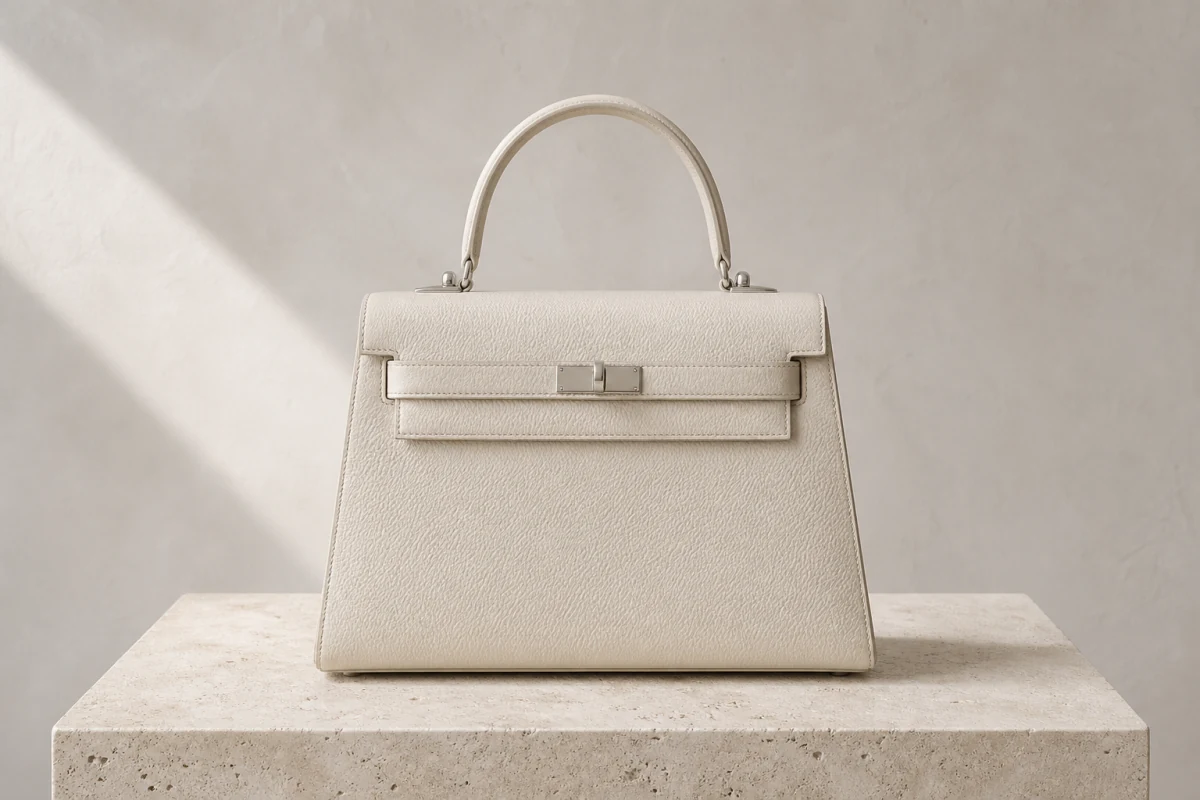
To test a product color, material, or client revision, describe the one detail that should change. There is no need to regenerate the scene or rebuild the settings.
Only ivory leather becomes oxblood patent leather; the silhouette, handle, stitching, hardware, camera, and shadow remain aligned. Keep this version or continue with another focused edit.
Useful for colorways, packaging options, client feedback, and final selection.
Edit request
“Change only the handbag material to deep oxblood patent leather. Keep everything else unchanged.”
Start free. Buy more credits only when you need them.
Get 10 free credits for up to five standard 1K images, then choose a permanent credit pack. Prices and purchase buttons are shown below—no subscription required.
Start free
No credit card
$0
Up to 5 standard 1K images
10 free credits after email verification, with no credit card required.
10 free credits after email verification
Earn more credits from daily check-ins and referrals, with no earning cap
Up to 5 standard 1K images
Use every ImgFast image tool
Core workspace features
Failed image tasks are refunded automatically.
Starter
Paid · one-time
$9.90
Up to about 250 standard 1K image tasks
500 permanent credits in a one-time paid pack
500 permanent credits
$0.0198 per credit
Everything in the free plan
Purchased credits never expire
One-time payment, no subscription
Full workspace features
Higher-resolution options
Priority customer support
Creator
Popular · 33% off
$19.90
Up to about 750 standard 1K image tasks
1,500 permanent credits in a one-time paid pack
1500 permanent credits
$0.0133 per credit
Everything in the free plan
Purchased credits never expire
One-time payment, no subscription
Full workspace features
Higher-resolution options
Priority customer support
Studio
Best value · 44% off
$39.90
Up to about 1800 standard 1K image tasks
3,600 permanent credits in a one-time paid pack
3600 permanent credits
$0.0111 per credit
Everything in the free plan
Purchased credits never expire
One-time payment, no subscription
Full workspace features
Higher-resolution options
Priority customer support
06 / FAQ
Questions before you start
What “Fast” means, what ImgFast keeps, how continuation works, what free credits cover, and how to export your final result.
Finish faster. Start over less.
Start with a brief or image. Keep what works. Continue until one result is ready to mark as final and download.