
Start with your input
Use AI Image Effects to compare tools that start with text, one image, or multiple images.
AI image effects
AI Image Effects helps you browse focused effects for faces, outfits, relationships, characters, and seasonal photos.
Compare AI Image Effects by the input you already have and the result you need, then start with the working panel.
This collection includes 5 workflows across AI image effects. Each card in this AI image effects collection states its starting input and intended result.
These AI image effects start from a clear person photo when clothing or eyewear is the main change.
Character AI image effects turn a portrait, character, pet, or written scene into an original character-led image.
Seasonal AI image effects begin with a holiday collection and lead to a live, focused effect.
Featured AI Image Effects workspace
Change an outfit from a text request or clothing reference while keeping the person recognizable. This AI Image Effects workspace shows the required inputs and controls before submission.
Buy credits once to unlock more models and 2K or higher resolution.
Credits for this run: 13
Track AI Clothes Changer tasks and inspect finished results here.
Use these AI Image Effects examples to compare inputs, outputs, and use cases before opening a tool.
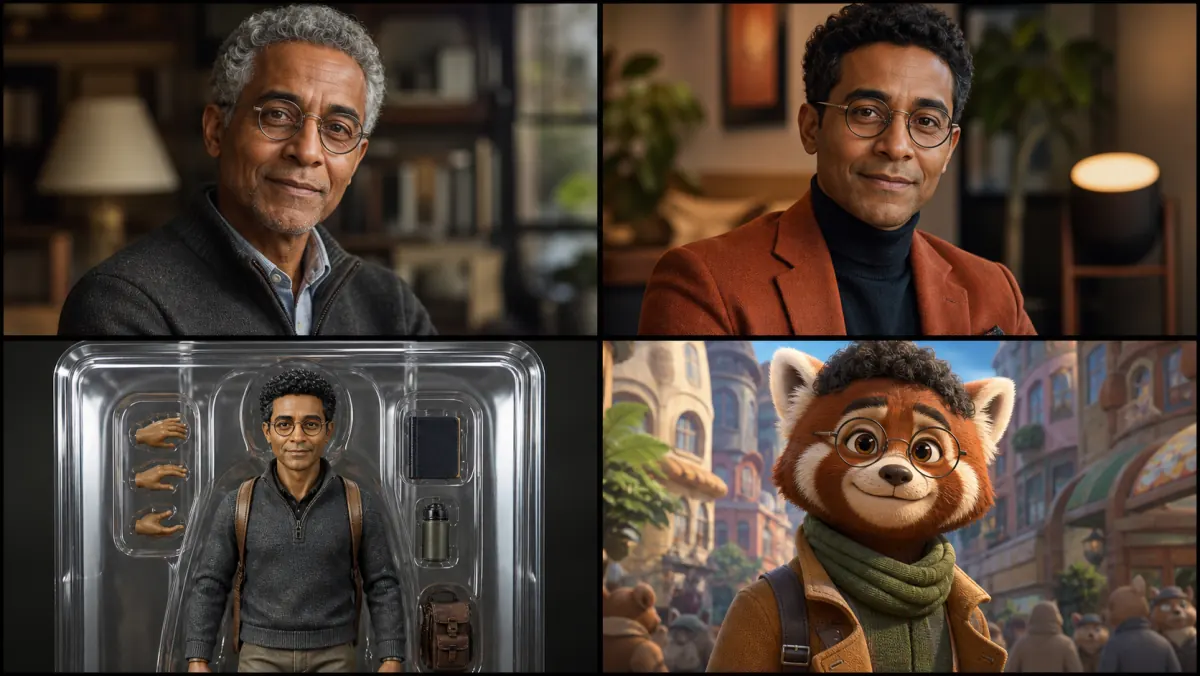
Use this AI Image Effects preview to compare the category before choosing a tool.
Use AI Image Effects to compare tools that start with text, one image, or multiple images.
Compare AI Image Effects by the finished format, framing, and level of control you need.
Review AI Image Effects results for edges, text, identity, and source-image consistency before reuse.
Before using AI Image Effects, confirm that you may upload and edit every source image.
Open the AI Image Effects workspace to see its credit cost before you submit a task.