
Two-image face workflow
AI Face Swap takes one face from the source image while the target photo supplies the pose, framing, lighting, and scene.
AI face swap
Replace a face while keeping the target pose, lighting, and scene coherent.
Add the inputs and settings for AI Face Swap.
PNG, JPG, or WebP up to 6 MB
PNG, JPG, or WebP up to 6 MB
Checking credit cost…
Track AI Face Swap tasks and inspect finished results here.
Use face swap only with permission from every identifiable person in the source and target images. Do not use the result to impersonate, deceive, or harass anyone.
AI Face Swap provides a focused two-upload workflow: the source image supplies one face, and the target photo supplies the pose, framing, lighting, and scene. The swap runs automatically after consent confirmation; there are no style or blend controls.
Review the illustrative AI Face Swap example and its input and output checks, then inspect your generated result in the workbench above.
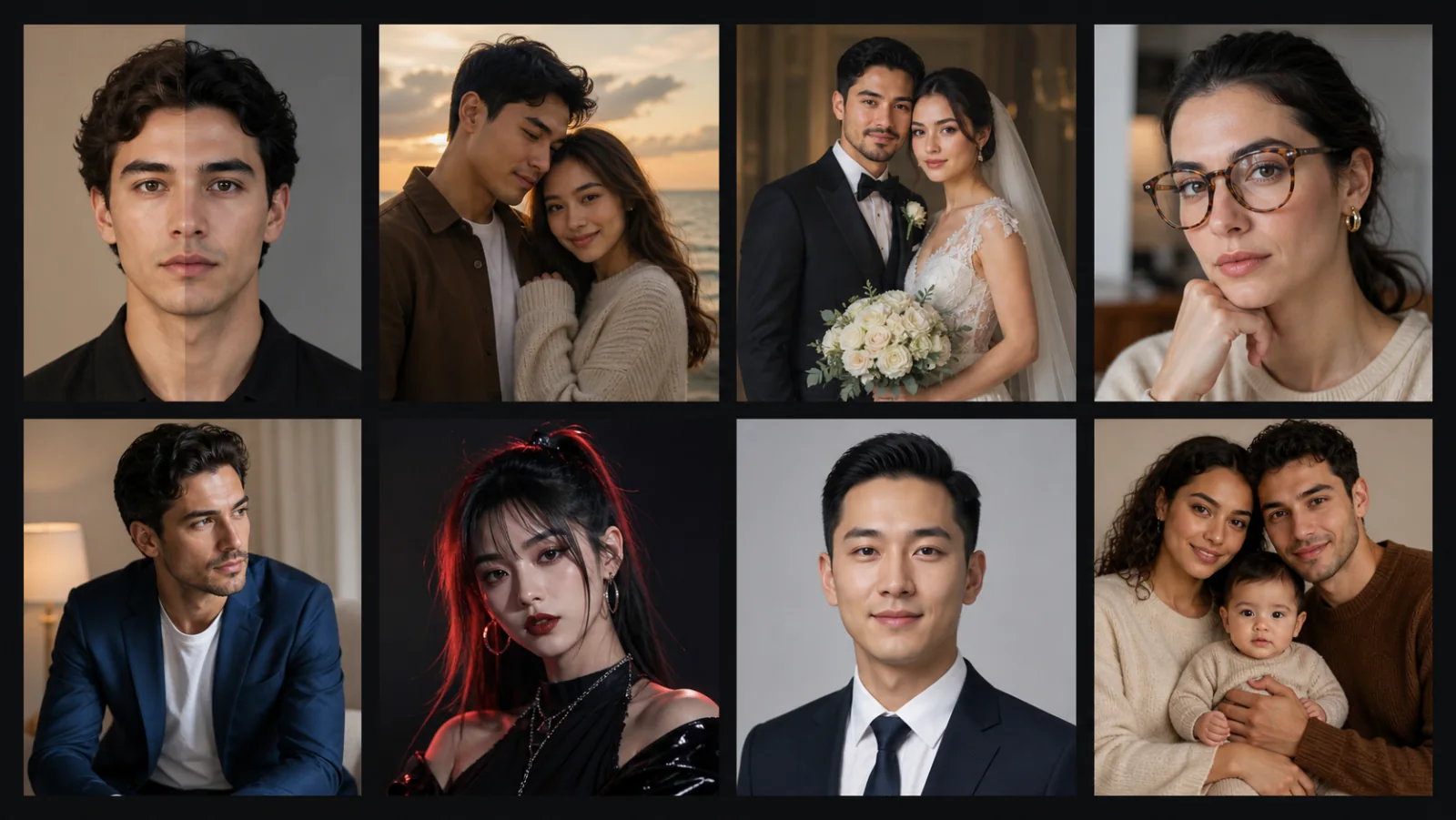
Illustrative authorized face-swap concept—not your result. Only use images you have rights to, then check identity transfer, pose, skin tone, hairline, and lighting.
Two-image face workflow
AI Face Swap takes one face from the source image while the target photo supplies the pose, framing, lighting, and scene.
Target framing retained
AI Face Swap follows the target photo dimensions instead of offering a separate crop or resolution control.
Consent is required
Use AI Face Swap only with authorized images. Do not present the result as a real event, identity document, endorsement, or evidence.
AI Face Swap uses one clear source face and one target photo whose pose, framing, and scene should remain.
Before AI Face Swap runs, confirm permission from every identifiable person. The provider blends the supplied face into the target automatically.
Review the full AI Face Swap result for face edges, expression, lighting, and unintended identity changes before use.
AI Face Swap takes one face from the source image while the target photo supplies the pose, framing, lighting, and scene.
AI Face Swap follows the target photo dimensions instead of offering a separate crop or resolution control.
Use AI Face Swap only with authorized images. Do not present the result as a real event, identity document, endorsement, or evidence.
Uploads accept PNG, JPG, and WebP files. Completed results stay in your private task history for full-size review, reuse, and download. The action button shows the credit cost before each run.
Use AI Face Swap to explore a fictional role or costume concept when the photographed person has agreed to the edit.
Create a few AI Face Swap results to compare face placement, edges, expression, and scene consistency for a private project without presenting them as real photographs.
With every participant’s permission, use AI Face Swap to preview whether a consented role or costume concept fits the target scene before a real shoot.